Imagine you're midway through a long five-hour holiday drive when your daughter asks, "Can I use your work laptop to play Roblox?" This isn't just any device—it holds sensitive client information, financial records, and essential business data. You're drained from packing and have three hours still to go. At that moment, letting her play seems harmless and even appealing. But is it really?
Traveling during the holidays introduces unique security risks you don't face in your everyday routine. Distractions, fatigue, unfamiliar WiFi networks, and mixing family moments with quick work check-ins can expose your data. Whether traveling for business, leisure, or both, learn how to safeguard your information without spoiling anyone's holiday spirit.
15-Minute Prep Before You Hit the Road
Spend a quarter hour to secure your devices before departure and ensure a smooth trip:
Essential Device Steps:
- Update all security patches and software
- Back up vital files securely to the cloud
- Set your screen to auto-lock within two minutes
- Enable "Find My Device" on all smartphones and laptops
- Fully charge your portable power bank
- Don't forget your charging cords and adapters
Family Device Guidelines:
- Clearly designate which devices kids can use—and which are off-limits
- Bring along a family tablet or secondary device prepped for entertainment
- Create restricted user accounts on work devices if children must use them
Pro tip: Provide children with a separate tablet not linked to your work accounts for travel. Investing in an inexpensive $150 iPad beats the risks of a costly data breach.
Why Hotel WiFi Is Riskier Than You Think
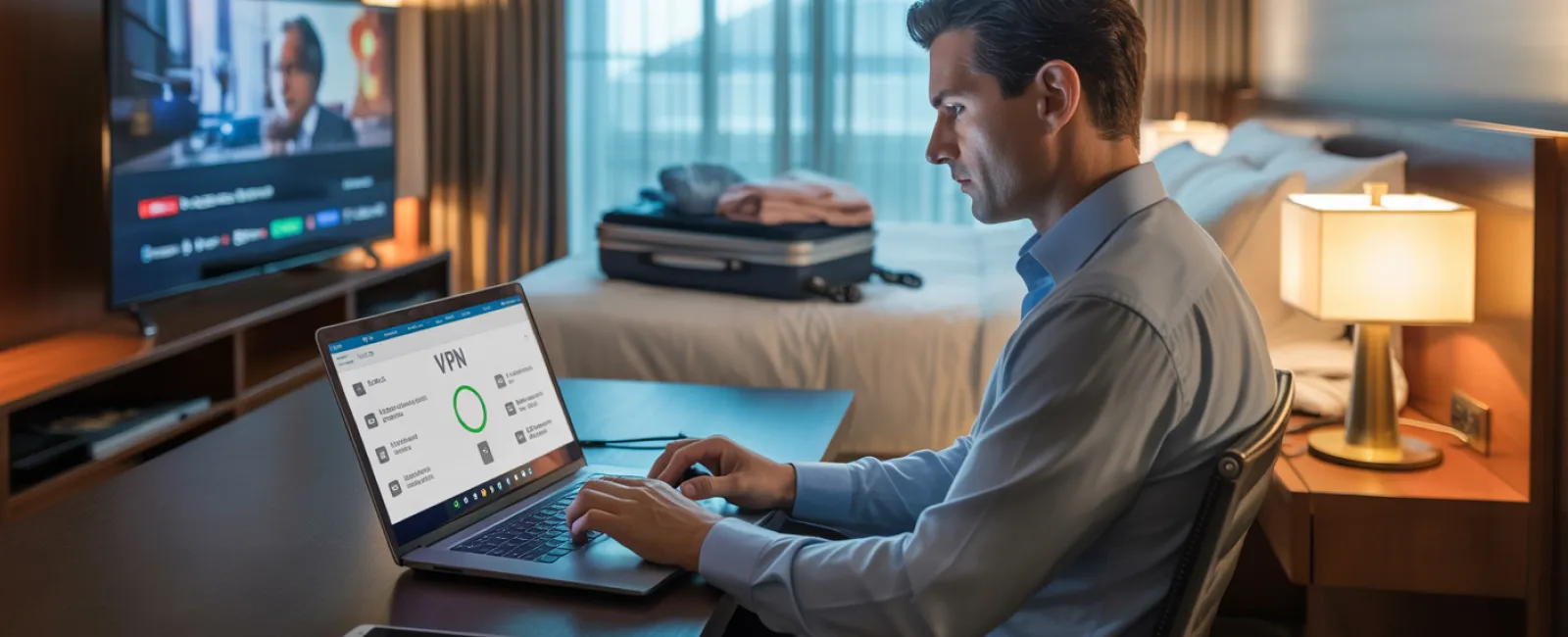
Once at your hotel, the whole family hops onto the WiFi—phones, tablets, laptops, gaming consoles—each device streaming, emailing, or browsing. But hotel networks are public and shared by many guests, some of whom may pose cybersecurity threats.
True story: A family logged into what seemed like hotel WiFi, but it was a fraudulent network set up nearby. For 48 hours, their passwords, credit card details, and emails were captured by attackers.
How to protect yourself:
Confirm the exact WiFi network name directly with hotel staff—never guess.
Use a VPN for work tasks to encrypt your data if checking emails or accessing company information.
Prefer your phone's hotspot for sensitive transactions like banking or client work instead of hotel WiFi.
Separate work and leisure usage: allow kids to surf the hotel WiFi for entertainment, but do your confidential activities on secure connections.
The Risks of Sharing Your Work Laptop
Work computers hold critical access to emails, banking, client files, and business platforms. Kids wanting to watch videos or chat on these devices can unknowingly invite risks.
Why it matters: Kids may accidentally download malware, click dangerous pop-ups, share passwords, or leave accounts logged in—usually innocent behaviors but major threats on work equipment.
How to handle this:
Firmly say no to kids using work devices. Explain, "This is my work computer; you can use [another device]." Keep this consistent.
If sharing is unavoidable:
- Set up a limited, separate user account
- Monitor their online activity closely
- Disable downloads
- Avoid saving passwords on the device
- Clear browser history after use
Better solution: Bring a dedicated travel device for family use—an old tablet or laptop not linked to work accounts.
Logging Into Streaming Services on Hotel TVs: Don't Forget to Log Out
Your family wants to stream Netflix on the hotel's smart TV. Someone logs in, but at checkout, you forget to sign out.
What happens then: The next guest can access your account details. Even worse, if you reuse passwords elsewhere (we hope not), they gain entry to other accounts.
Protect yourself with these steps:
- Use your personal device to cast content to the TV securely
- If logging into the TV, set a reminder on your phone to log out before departing
- Download your shows beforehand and avoid hotel TVs entirely
Avoid logging into these on hotel TVs:
- Banking platforms
- Work-related accounts
- Email services
- Social media
- Any account containing payment details
Lost Devices on the Road? Act Fast
Travel chaos often leads to misplaced gadgets in restaurants, hotels, cars, or airports. If a device disappears, act quickly:
Within the first hour:
- Locate it immediately using "Find My Device"
- If recovery fails, remotely lock it to block unauthorized access
- Change passwords on sensitive accounts from another device
- Contact your IT department or managed service provider to revoke system access
- Inform any affected clients if the device contained confidential data
Ensure your device has these protections before travel:
- Remote tracking capabilities enabled
- Strong password protection
- Automatic data encryption
- Ability to remotely wipe data
If a family member loses their device, follow the same protocol.
Beware the Rental Car Bluetooth Data Risk
Connecting your phone to a rental car's Bluetooth system to play music or use navigation may seem convenient, but these systems store contacts, call logs, and text previews.
When you return the car, this private data often remains accessible to the next renter.
Quick steps before returning your rental:
- Remove your phone from the car's Bluetooth pairings
- Clear recent destinations from the GPS
- Or better yet, use an aux cable or avoid connecting altogether
Managing Work-Life Boundaries on Vacation
Swapping between work emails, calls, and family fun can erode your focus and compromise security. Multitasking leads to distracted clicks and trusting unsecure connections.
Here's how to regain control:
- Check work email only twice daily during set times
- Use your phone's hotspot, not hotel WiFi, for work activities
- Conduct work in private hotel rooms rather than public areas
- Be present with your family—avoid half-hearted multitasking
Remember, the best security practice is to truly take time off. Your business will survive, and your heightened alertness post-break enhances threat detection.
Adopting a Holiday Travel Security Mindset
Juggling family and work during holiday travel rarely goes perfectly. Kids may need your laptop; urgent emails arise unexpectedly.
The aim isn't flawlessness—it's smart risk management by:
- Preparing devices ahead of time
- Knowing which activities carry more risk (hotel WiFi for banking)
- Separating work and family usage where possible
- Having a clear plan if things go wrong
- Setting firm device boundaries and sticking to them
Create Holiday Memories That Matter
The holidays are for cherishing moments with loved ones—not grappling with data breaches or explaining security mishaps to clients.
With simple preparation and rules, protect your business without sacrificing vacation joy. Your family enjoys the holiday, your business stays secure, everyone wins.
Need expert help designing travel security protocols for yourself and your team? Click here or call us at 859-245-0582 to schedule your free Discovery Call. We'll craft practical policies that defend your company while keeping travel hassle-free.
After all, the best holiday remembrance isn't "Remember when Dad's laptop got hacked?"