Spring break often gets a bad rap.
Images of college students, risky choices, and stories starting with "we thought it was a good idea at the time…" come to mind.
Yet adults stumble over their own spring break blunders—quieter, but usually tied to technology.
Trying to focus on quality time with family, work emails still pull you in. You rush, multitask, and say, "I'll just handle this quickly."
That's when trouble begins.
Here are the top vacation tech pitfalls and smart tips to avoid bringing back unwanted digital souvenirs.
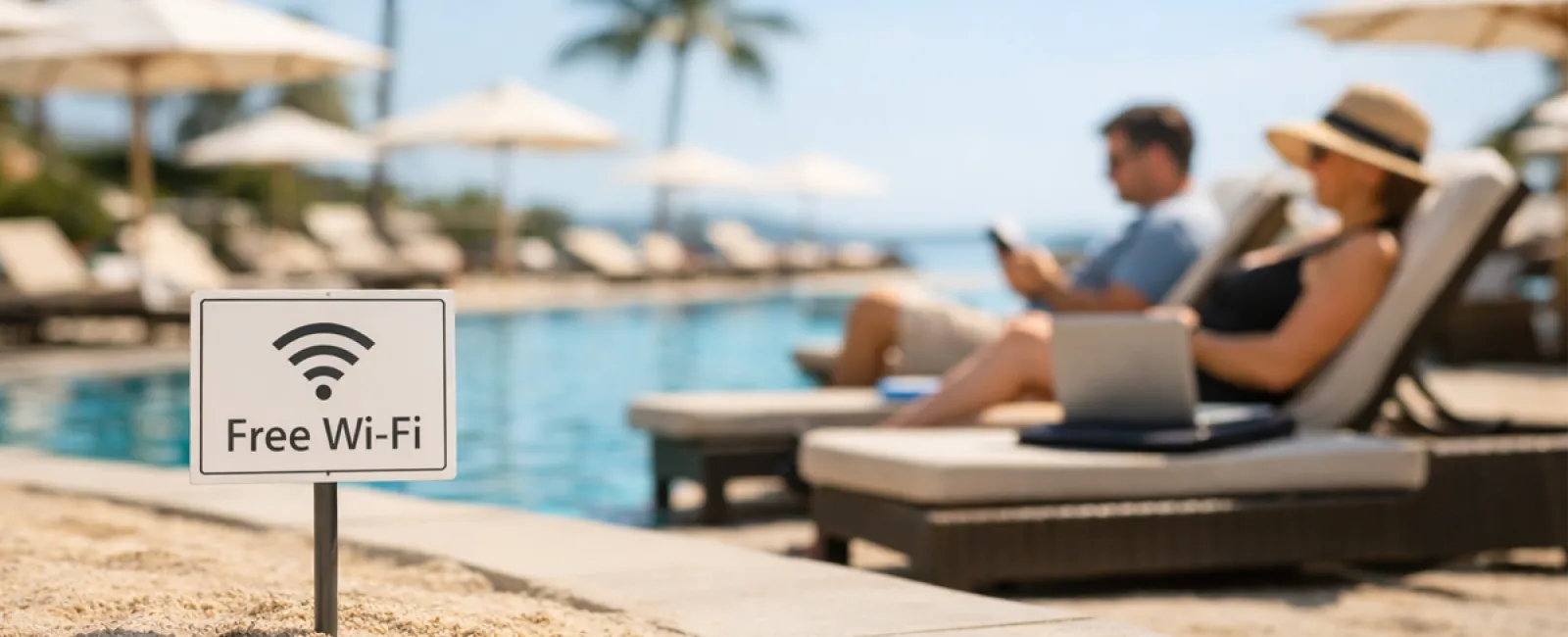
Beware the "Free Wi-Fi Trap"
Hotels, coffee shops, airports—we connect instantly to their Wi-Fi, thinking we just need to send one quick email before the family's ready.
The danger: Fake networks like "HOTEL_GUEST_FREE" run by cyber thieves nearby can capture everything you do—logins, passwords, banking.
Stay protected: Use your phone's hotspot for anything sensitive. If public Wi-Fi is necessary, always confirm the exact network name at the front desk.
Dodging the "March Madness Streaming" Scam
The tournament's on, but the hotel shows golf. You search for "free March Madness stream" and click the first seemingly legit link.
After multiple pop-ups, something suspicious downloads—but at least the game streams!
The risk: Malware infections, browser takeovers, and fake ESPN sites designed to trick you.
Smart move: Stick with official apps. If the website looks sketchy, close the tab immediately.
Think Twice Before Handing Over Your Phone
Your child's bored, and your phone has games—so you hand it over for a quick break.
Fifteen minutes later, multiple apps are downloaded, permissions granted, and your email is tied to unknown accounts like "RobuxFreeForever."
The problem: Unauthorized app permissions, hidden subscriptions, and unexpected charges.
The solution: Carry a separate tablet for kids' entertainment—never linking to work or financial apps.
The Endless "Just One Quick Login" Trap
One email leads to CRM access, then accounting software, client portals, and Slack—all on public hotel Wi-Fi as your family waits.
The hazard: Each login is vulnerable to theft, especially when rushed.
Best practice: Use your personal hotspot for work-related logins or ask yourself if it can wait until after vacation.
Stop the "I'm in Paradise" Overshare
Beach selfie posted with location tagged and "Here until the 15th! 🌴"
The risk: You've broadcast to the world that your home is empty and far away.
Better approach: Share vacation photos after you're back home—the memories remain just as stunning.
Avoid the "Low Battery Panic" Trap
At the airport, you see a USB port and plug in to charge your phone running at 3%.
The threat: Juice jacking—tampered charging stations that steal your data while powering your device.
Smart tip: Carry a personal power bank and always use your own cable and charger.
The Risks of "Vacation Passwords"
You quickly create "Beach2026!" as your resort Wi-Fi password and end up using it for 4 different accounts.
Issue: One breach can expose all your accounts.
Fix it: Use a password manager to generate strong, unique passwords—even for temporary accounts.
Final Thoughts
These mistakes aren't from carelessness; they stem from being rushed, distracted, and eager to enjoy your vacation.
That's completely normal.
The goal isn't perfection; it's minimizing those "oh no" moments after you return.
Heading Out for Spring Break?
If your business already practices smart travel habits, enjoy your getaway.
If these scenarios hit close to home, consider a Discovery Call tailored to help keep your vacation worry-free.
No pressure. No gimmicks. Just straightforward advice so your vacation remains your vacation.
Not your situation? Share this with someone who could benefit from better spring break tech habits.
Click here or give us a call at 859-245-0582 to schedule your free Discovery Call.